Is your remote team suffering from miscommunication and mistrust? Do you know how to stay remote and solve internal issues? In this blog, we unpack how CRM software can help.
The COVID-19 pandemic forced companies to move away from working in offices, to full-time remote working. With the sudden switch to remote working, few companies were prepared for the degree of change that it would bring to their teams. Remote working comes with its own unique challenges, including employee accountability and work efficiency. Whilst some companies are now returning back to the office, many have decided to stay remote or have created more flexible working schedules.
Whether you’re fully remote or navigating a return to work schedule, an effective Customer Relationship Management (CRM) system can assist your team.
At our 2021 Grow with Inbound conference, Huble Digital’s Chief Customer Officer, Jess Packer, sat down with Phoebe Scott, the Global Director of CRM at Avison Young. They chatted about how the HubSpot CRM rollout at Avison Young has positively impacted the real estate business as they continue to work remotely. As Scott notes, Avison Young was not remote before the COVID-19 pandemic; however, this provided them with the opportunity to merge all their data into one CRM system.
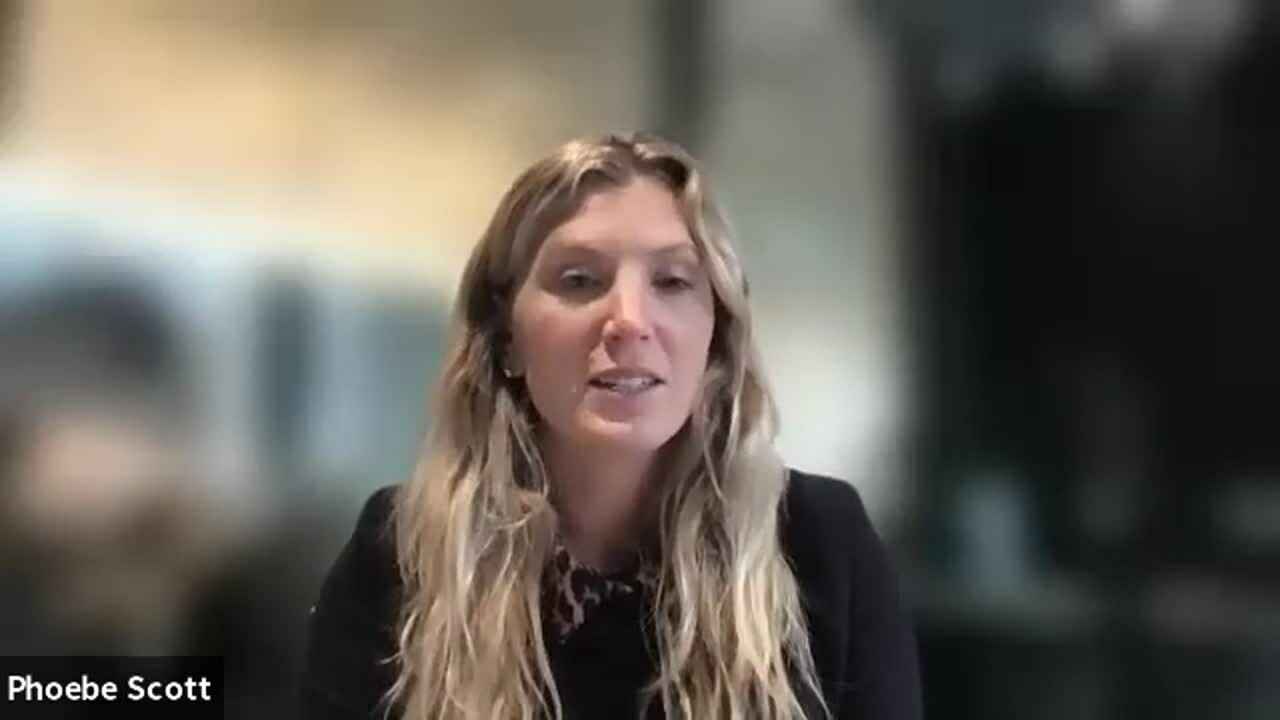
Watch the full interview in this video.
Is your team collaborating well remotely?
It’s often hard to know if your team is working well when not together. We’ve drawn up a handy list to help you identify signs your team might need a more effective CRM system.
-
Communication errors. Effective communication is needed for your team to be productive. Poor communication can lead to misunderstandings within your team. This often shows up as missed deadlines and a lack of streamlining internal business processes.
-
Lack of trust. One of the first signs of miscommunication amongst your remote team is a blatant lack of trust between team members. A lack of trust can negatively impact the success of remote teams so it’s important to implement technology that can facilitate trust-building, effective communication, and overall coordination of teams.
-
Information silos. Transitioning to cloud-based systems for remote working can lead to information silos. This is a split in the data that your team needs to work on. This split creates barriers in sharing information across your teams, affecting the data quality as well as the holistic view of the company's performance.
Without effective communication and collaboration, remote teams will rarely be on the same page. This is where CRM software can help you and your team successfully work remotely.
Related: As a marketer, do you know how to build a successful remote team? Read our blog to learn how!
How using CRM software can solve remote working challenges
Now that we’ve identified the common challenges facing remote workers and their teams, we’re going to show you how CRM software can assist in overcoming these challenges and help bring your team closer together.
-
Improved accountability. CRM software with built-in productivity capabilities adds a new level of transparency and accountability for your team. Marking off projects, milestones and tasks, as well as automated follow-ups, allows for team members to be held accountable for their day to day tasks.
-
Centralised work. Without a central office, remote workers need a centralised hub to store all of their data. This ensures that all documentation is easily accessible for all, allowing for effective communication between teams.
-
Sustain and grow customer relationships. Nurturing customer relationships in the online world can be difficult, but with the right CRM software, you can not only retain but also grow new customer relationships. With a single customer view, you can provide the right message at the right time at every stage in the customer journey. This personalisation can only lead to increased loyalty.
Want to know how our remote sales team has adapted to meet our targets? We’ve unpacked our tips in a convenient blog.
-
Improve security. With increased levels of security, CRM systems protect the data entered into them no matter the location. This not only provides a sense of security while your team works remotely but also a future-proof backup of important customer and company data.
Select a partner who understands your needs
As a fully remote team, we understand what it takes to keep the operational wheels turning. Phoebe Scott stated that “a deciding factor for choosing HubSpot CRM was how easy it was for their remote team to learn and make the switch.”
Our team will help you configure a mature CRM system through our HubSpot CRM onboarding process that’s personalised to your needs, so you can onboard your current team, easily add new team members, and guarantee user adoption - no matter where your team works from.
Contact one of our consultants today to close the loop and reduce team friction in your business.




.png?width=500&height=320&name=Image_1__How_to_Get_Your_Brand_Cited_in_AI_Search_in_6_Simple_Steps_(2026).png)